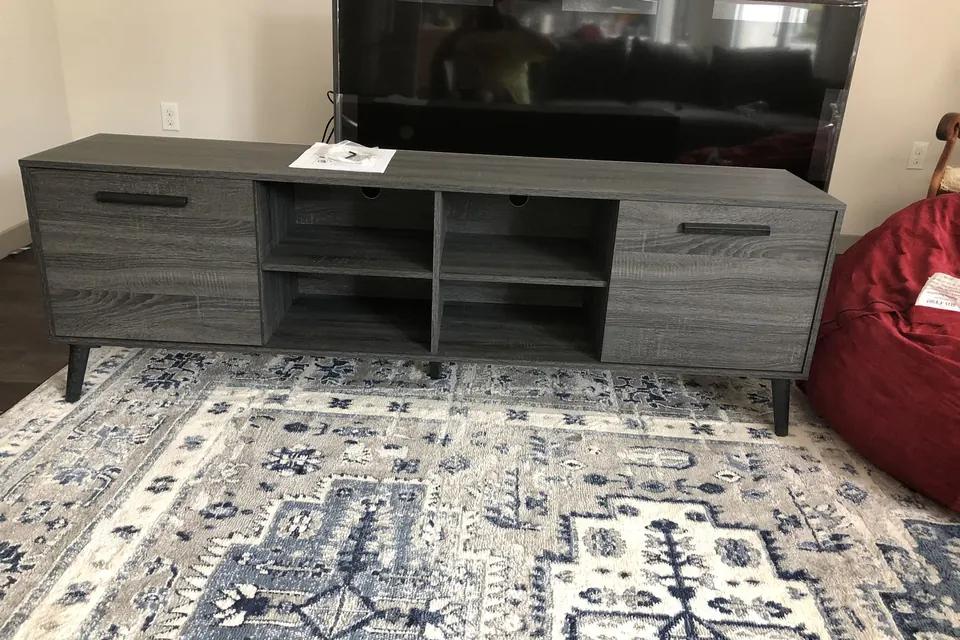
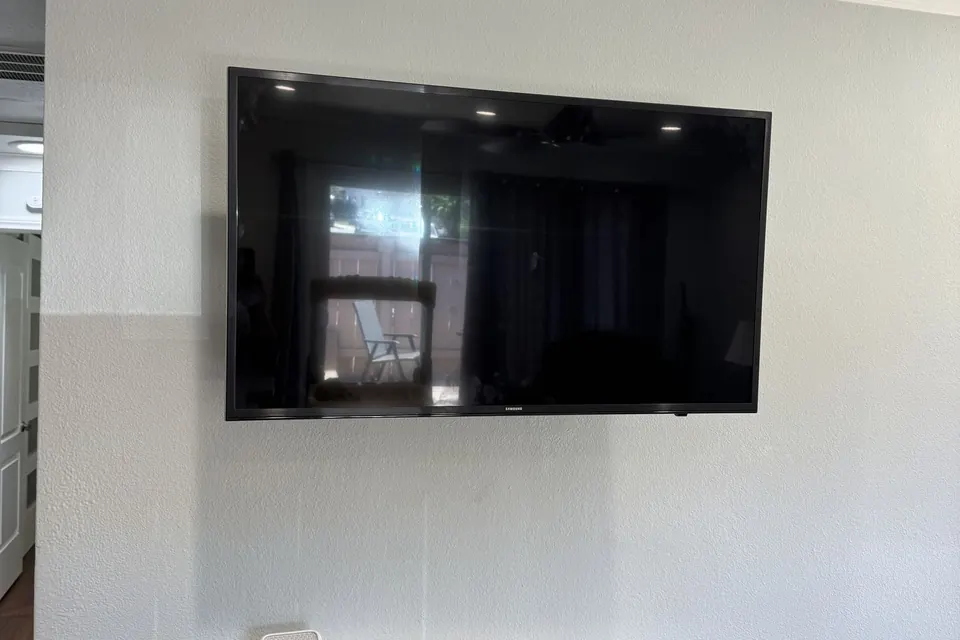
Mounting a TV on a standard drywall-over-stud wall comes down to four steps: locate the studs, match the mount to your TV's size and wall type, secure it with lag bolts, and conceal the cables. Done right, the TV sits at eye level, dead level, and never moves.
That is the short version. The long version is why this guide exists. San Diego County homes range from beach condos in Pacific Beach to 1920s craftsman houses in North Park and newer builds in Carmel Valley, and the walls, mounts, and common mistakes differ in each. This guide walks through each decision in the order a professional TV wall mount installation service makes it, so you can either do the job confidently or know exactly what you are paying a pro to get right.
Why Mount Your TV on the Wall at All?
Mounting a TV on the wall makes it safer, frees floor space and lets you set the screen at the right height. A TV bolted into studs cannot be pulled over by a toddler or a dog, and the media console under it becomes optional, which matters in smaller apartments and condos.
A mounted TV can also be placed at the correct height and angle for your actual seating, instead of wherever the furniture happens to sit. The trade-off is commitment: moving a mounted TV means new holes, which is why the next three sections matter before anyone drills.
What Kind of Wall Are You Mounting On?
The wall you are mounting on decides the hardware, the drill and the time the job takes. San Diego housing stock covers the full range, from drywall over wood studs to lath and plaster, concrete block and stucco. These are the four wall types you are most likely to find:
- Drywall over wood studs — the standard in most homes built after the 1950s. Studs sit on 16-inch centers (sometimes 24), and the mount attaches with 5/16" lag bolts driven into at least two studs. This is the fastest, most predictable install.
- Lath and plaster — common in older North Park, South Park, and Kensington craftsman homes. Plaster cracks and crumbles around fasteners, so pilot holes, slower drilling, and sometimes a mounting plate that spreads the load are required.
- Concrete and block — downtown high-rises and many mid-century apartment buildings. These need a hammer drill and sleeve or wedge anchors rated well beyond the TV's weight. Done properly, masonry is the strongest mounting surface there is.
- Stucco over framing — the classic San Diego exterior, relevant for covered patio and outdoor TV installs. The stucco itself holds nothing; the fasteners must pass through it into the framing behind, with the penetrations sealed against moisture.
One rule never changes: a TV is never mounted to drywall alone. Hollow-wall anchors that hold a shelf or picture frame fine will slowly tear out under 40–90 pounds of constantly loaded TV and mount.
Plaster tip: On lath-and-plaster walls a stud finder alone is unreliable, because the lath can read as one continuous "stud." Confirm the stud with a thin probe hole in a spot the TV will cover before drilling for the mount.
Which TV Wall Mount Should You Choose?
Mounts come in four families, and the right one depends on your seating layout, wall, and whether the screen needs to move. Every mount also has a VESA pattern (the rectangle of bolt holes on the TV's back, from 100×100 mm on small screens up to 600×400 mm on the largest panels) that must match the mount's plate.
| Mount type | Distance from wall | Movement | Best for |
|---|---|---|---|
| Fixed (low-profile) | About 1" | None | Eye-level installs, the cleanest flush look |
| Tilt | 1–2.5" | 5–15° downward tilt | Screens above eye level, bedrooms, glare control |
| Full-motion (articulating) | 2" closed, 16–24" extended | Extend, swivel, tilt | Corner placement, rooms with multiple seating zones |
| Pull-down / mantel | Varies | Lowers 20"+ vertically | Above-fireplace installs |
Weight ratings matter more than marketing. A quality mount lists a maximum load — stay comfortably under it, and remember a full-motion arm extended two feet turns the TV's weight into serious leverage on the fasteners. That leverage is exactly why full-motion mounts demand two-stud anchoring with zero shortcuts.
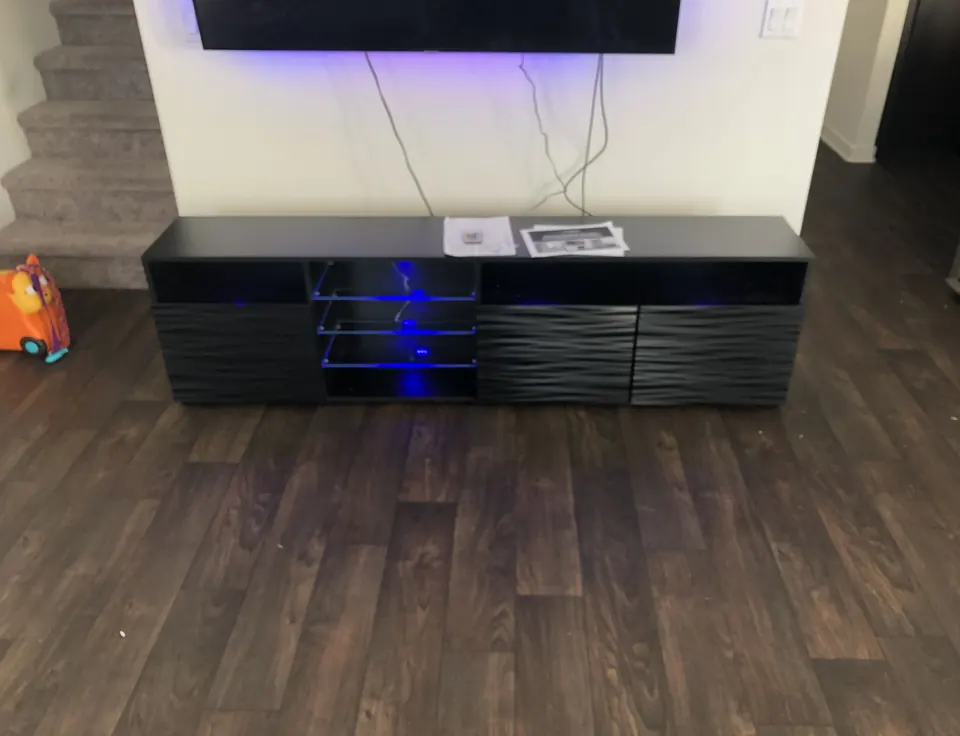
How High Should the TV Go?
The TV should go where the center of the screen sits at seated eye level, about 42 inches off the floor for a typical sofa. For a 65-inch TV that puts the bottom edge around 26 inches up, which is lower than most people guess.
Mounting too high is the most common height mistake, because a screen that forces your chin up is tiring within one movie. Room type, reclined seating, and viewing distance all shift the number, and the figure for every screen size is in our guide to how high to mount your TV.
Can You Mount It Above the Fireplace?
You can usually mount a TV above the fireplace, with two caveats: heat and viewing angle. The wall above a working firebox should stay under roughly 100°F while the fire runs, which a thermometer test confirms before any TV goes up. Check the TV manual for its stated operating temperature.
Viewing angle is the second caveat: above a mantel, the screen center often ends up 60 inches or higher, well above the eye-level ideal, which is why tilt and pull-down mantel mounts exist. Fireplace walls also hide the most structural surprises (brick, stone veneer, or a framed chase), so there is a full breakdown of mounting a TV above a fireplace, including when another wall is the better choice.
How Do You Hide the Wires?
You hide the wires either in a surface raceway on the wall or inside the wall with an in-wall-rated power kit. Nothing undoes a clean mount like a power cord dangling to an outlet. Which of the two fixes suits you depends on the wall and on whether you rent:
- Surface raceway — a slim paintable channel that covers the cables on the wall face. No cutting, renter-friendly, installed in minutes. It is the right call on masonry and plaster where opening the wall is not practical.
- In-wall concealment — HDMI and low-voltage cables drop through the stud cavity, and power comes from an in-wall-rated relocation kit that puts a new outlet behind the TV. This is the fully invisible finish. The critical detail: a standard power cord or extension cord must never be run inside a wall — it violates electrical code and creates a genuine fire risk. Code-rated kits exist precisely for this.
If a soundbar or surround system is part of the plan, concealment is best designed for everything at once — one wall opening, every cable routed. Our soundbar setup guide covers how audio wiring folds into the same job.
How Much Does TV Mounting Cost in San Diego?
TV mounting cost in San Diego depends on the details of the job, so there is no flat menu price to quote here. SD Assembly Pros prices a job after seeing those details. The same factors drive any installer's number, and knowing them makes quotes easy to compare:
- TV size and weight: larger panels are a two-person lift and need heavier hardware.
- Wall material — drywall is fastest; plaster, brick, and concrete add drilling time and specialty anchors.
- The mount: whether you already own a mount that fits the TV, and whether it is fixed, tilt, or full-motion.
- Cable concealment — raceway is a small add-on; in-wall routing with power relocation is the larger one.
- Extras — soundbar mounting, above-fireplace complexity, or outdoor installs each add scope.
Rather than guess, call (619) 654-2856 or send the details of the job (TV size, wall type, and whether the cables should be hidden) and SD Assembly Pros will quote from there.
Should You Mount the TV Yourself?
You can mount the TV yourself if it is a mid-size set going on standard drywall over wood studs. You need a stud finder, a level, a drill, the right lag bolts and a second set of hands. The jobs worth handing to a professional are the unforgiving ones.
Those are plaster and masonry walls, 75-inch-plus panels, above-fireplace installs, in-wall wiring, and anything where a mistake means a cracked screen or a patched wall. SD Assembly Pros (CSLB Lic #833940) mounts TVs alongside its broader handyman services, so a shelf install or drywall patch that accompanies a mounting job can be booked for the same visit.
Why mounts fail: When a mounted TV comes down, it is rarely the mount that failed. It is usually toggle anchors in bare drywall, or lag bolts that caught the edge of a stud instead of its center. Pull hard on the empty mount before the TV goes on it.
This guide is the hub for the TV and home theater articles on the SD Assembly Pros blog, where the assembly, tile and handyman guides are also listed.
TV Mounting in San Diego: FAQ
How long does professional TV mounting take?
A single TV on a standard drywall-over-stud wall is the shortest kind of mounting job, and it includes unboxing, stud location, mounting, leveling, and basic cable tidy-up. In-wall cable concealment, masonry, plaster, and above-fireplace installs add time. Ask for a time estimate when you book.
Do I need to buy a mount before the installer arrives?
Either works. If you already own a mount, check that it matches your TV's VESA pattern and weight rating before the visit. If you do not, give SD Assembly Pros the TV brand and model number when you book, so the right mount type can be agreed before the appointment.
Can you mount a TV in a rental apartment?
Yes, with your landlord's permission. A stud-mounted TV leaves only a handful of small lag-bolt holes that can be patched at move-out. Check your lease first, because some buildings restrict drilling into shared or concrete walls.
How do I book TV mounting in San Diego?
Call (619) 654-2856 or use the booking form on the SD Assembly Pros website. Hours are Monday to Friday 8AM to 5PM and Saturday and Sunday 10AM to 2PM. The form asks for a preferred time window and the TV brand and model number.