Place the soundbar directly below the TV, centered, with a couple of inches of clearance — wall-mounted if the TV is wall-mounted — and connect it with a single HDMI cable to the TV's ARC or eARC port so one remote controls everything.
That one sentence resolves the three questions behind almost every soundbar installation: where it goes, how it hangs, and which cable makes the remotes behave. But each answer has details worth getting right: a soundbar is the biggest audio upgrade most living rooms will ever get, and a ten-minute placement mistake can mute half of what you paid for. Here is the approach, which is also how our home theater and TV services handle soundbar mounting.
Where Should a Soundbar Go?
A soundbar should go directly below the TV, horizontally centered on the screen. Dialogue is the main reason soundbars exist, and voices sound natural when they come from just under the picture, as close to ear level as the setup allows.
Keep a gap of roughly 2 to 4 inches between the top of the bar and the bottom of the screen so neither blocks the other: many soundbars house upward or side-firing drivers, and TVs often place their IR sensor in the bottom bezel.
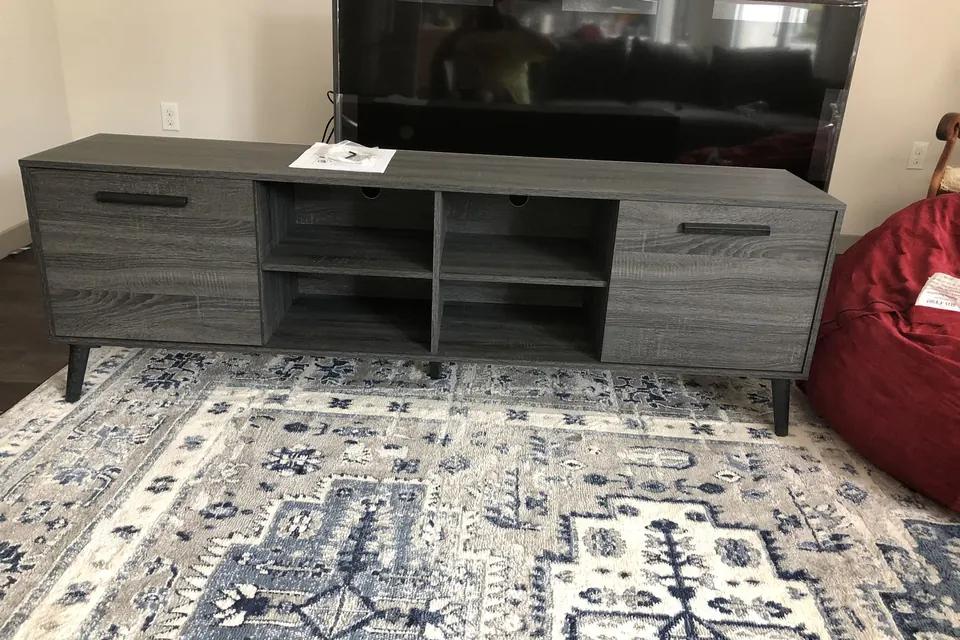
Just as important is where a soundbar should not go: inside a cabinet cubby, behind a console lip, or on a shelf below knee height. Enclosed placement muffles the treble, reflects bass off the shelf, and — on Atmos bars — completely defeats the up-firing speakers that need a clear path to the ceiling. If your TV sits on furniture, the soundbar simply sits in front of it on the same surface; if the space below the screen is blocked (an above-fireplace install, for instance — see our fireplace mounting guide), mounting the bar above the screen and angling it down is the accepted fallback.
Should You Wall-Mount the Soundbar?
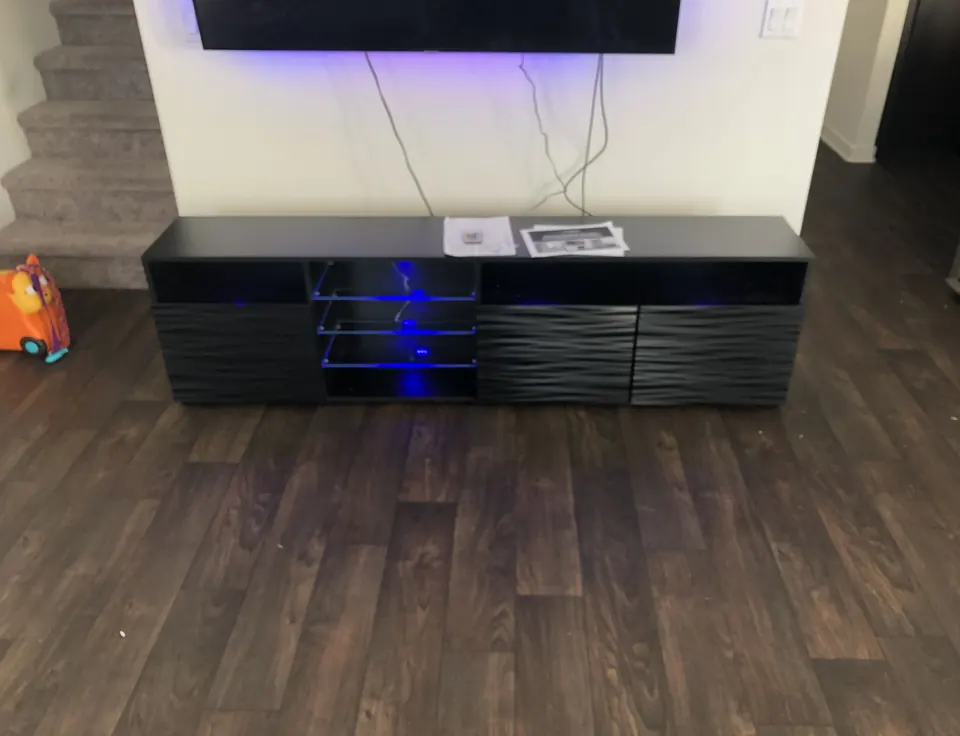
Wall-mount the soundbar if the TV is on the wall. A floating TV with a soundbar left on furniture two feet below looks unfinished and pushes dialogue away from the screen. Most soundbars ship with keyhole slots or bracket tabs and a paper drilling template.
The install logic mirrors TV mounting: hit a stud where possible, use rated hollow-wall anchors for lighter bars where not, and level it to the TV, not to the floor. In older houses those two lines can disagree, and the eye always compares the bar to the screen edge above it.
Two measurements save re-drilling. First, set the TV height correctly before the soundbar goes up — center the screen at seated eye level (the math is in our guide to how high to mount a TV) and let the bar's position follow from it. Second, if the TV hangs on a full-motion arm, mount the soundbar to clear the TV's lowest travel, or bracket the bar to the TV mount itself so they move together.
How Should You Connect a Soundbar?
Use one cable, and make it the right one. The TV becomes the hub — every streaming stick, console, and cable box feeds the TV, and the TV hands all audio down to the soundbar. Here is how the connection options compare:
| Connection | Best audio it can carry | One-remote volume? | Use it when |
|---|---|---|---|
| HDMI eARC | Lossless Atmos, Dolby TrueHD, DTS:X | Yes (CEC) | TV and soundbar are both eARC — the default choice |
| HDMI ARC | Dolby Digital+, incl. streaming Atmos | Yes (CEC) | Either device lacks eARC — still excellent |
| Optical | Compressed 5.1 (Dolby Digital/DTS), no Atmos | No — remote must be programmed | Older TVs with no ARC-capable HDMI port |
| Bluetooth | Compressed stereo | No | Music from a phone — not for TV viewing |
| 3.5mm / RCA | Analog stereo | No | Legacy gear only, last resort |
The ARC/eARC port is labeled on the TV's HDMI row, and plugging into any other HDMI input is a common wiring mistake. Once connected, switch on HDMI-CEC (each brand names it differently: Anynet+, SimpLink, Bravia Sync), set the TV's speaker output to the soundbar, and disable the TV's internal speakers so audio is not playing from two places a half-second apart. That last step fixes most "echoing TV" complaints.
Where Does the Wireless Subwoofer Go?
The wireless subwoofer goes along the front third of the room, on or next to the soundbar wall, a few inches off the wall with its port clear. Most soundbar subwoofers pair wirelessly and need only a power outlet, but wireless does not mean anywhere.
Bass below about 80 Hz is largely non-directional, so the sub does not have to sit near the TV; it does have to breathe. Pushing a sub into a corner boosts output but often turns it boomy and uneven; sealing it inside a cabinet chokes it entirely. If the bass sounds thin or bloated from your seat, slide the sub a foot at a time along the wall and re-listen. Placement changes low-end response more than any settings menu.
When Is In-Wall Wiring Worth It?
In-wall wiring is worth it when the TV and soundbar are staying where they are and the wall can be opened. The full treatment routes the HDMI cable and the soundbar power drop through the stud cavity, with power handled by a code-rated in-wall relocation kit, never a plain power cord.
It is the same concealment work described in our complete San Diego TV mounting guide, with the soundbar cable path planned at the same time. In-wall wiring is most worth it when walls are open anyway (remodels), when the install is the room's permanent layout, or when a rear-speaker surround kit joins the soundbar and wires would otherwise cross a doorway. On rented walls or masonry, a slim paintable raceway gives most of the effect with no drywall work. Where a wall has been opened, drywall patching is one of our handyman services.
Bar still in the box? A soundbar often stays boxed because the TV is already on the wall and drilling below it feels risky. The fix is methodical: use the bracket template, find the stud line, plan the cable path, then level the bar to the TV.
More guides on mounting, assembly and home projects are listed on the SD Assembly Pros blog.
Soundbar Installation: FAQ
Do I need HDMI eARC for Dolby Atmos?
Not always. Regular HDMI ARC can carry Dolby Atmos encoded in Dolby Digital Plus, which is what most streaming services use. You need eARC for the lossless Dolby TrueHD and DTS:X soundtracks found on 4K Blu-rays. If both your TV and soundbar have eARC, use it — it is the highest-bandwidth path either way.
Can a soundbar go above the TV instead of below?
Yes, when the space below is blocked — above-fireplace installs are the classic case. Mount it as close to the top screen edge as possible and angle it slightly downward toward the seating. Below the TV is still preferred because dialogue tracks closer to ear level, but above beats a soundbar buried in a cabinet.
Why does my TV remote not control the soundbar volume?
Usually because HDMI-CEC is switched off, or the soundbar is connected by optical cable, which carries no control signals. Enable CEC in the TV menu — Samsung calls it Anynet+, LG SimpLink, Sony Bravia Sync — and connect via the HDMI ARC/eARC port. On optical setups, most TV remotes can be programmed into the soundbar instead.
Can you mount a soundbar during the same visit as TV mounting?
Yes. SD Assembly Pros mounts soundbars as part of its home theater and TV services, so the TV and the soundbar can be booked for one visit. That means one set of wall measurements and one round of cable concealment. Give the soundbar brand and model number when you book.